 Hourly
 WORK-HOURS TRACKER / IPHONE
Your work hours.
Clearly recorded.
Log a familiar shift, enter your hours, or start a timer. Keep the details together and review the work you save.
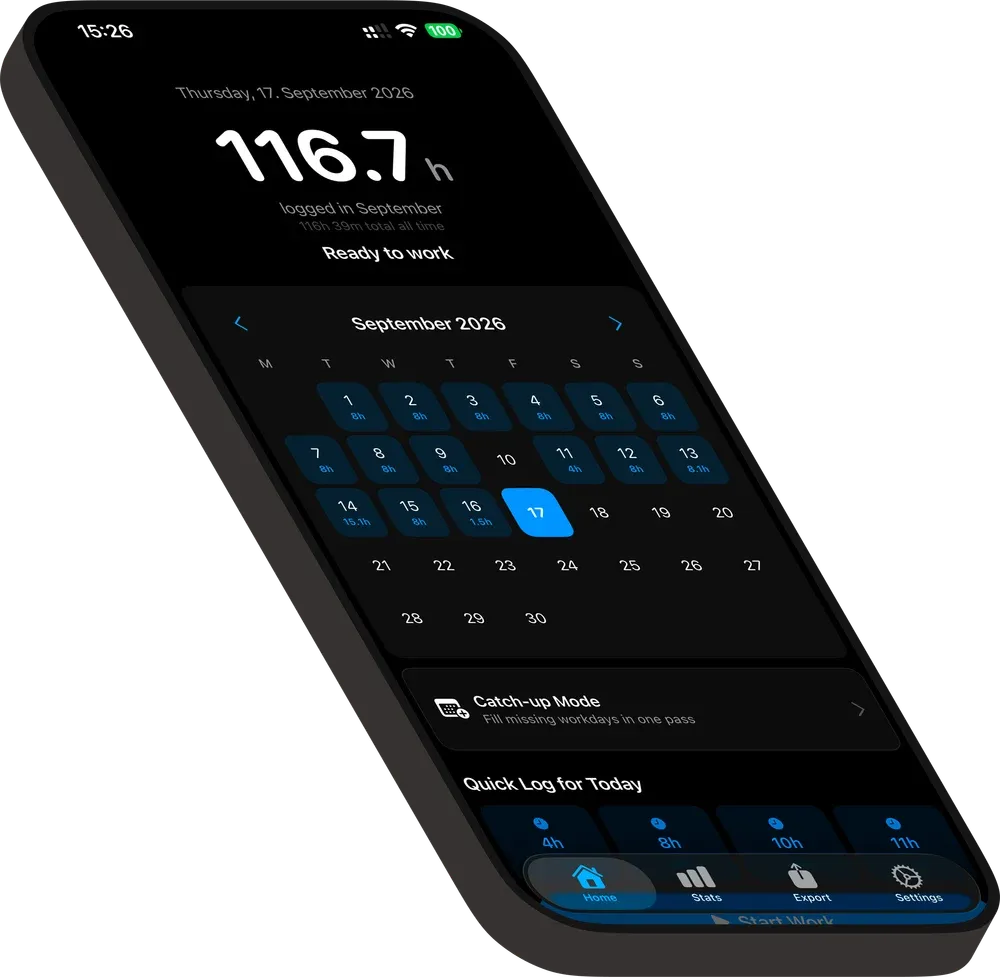
01 / MAKE A START
Choose how
you log.
Different days call for different beginnings. Every path ends with a review.
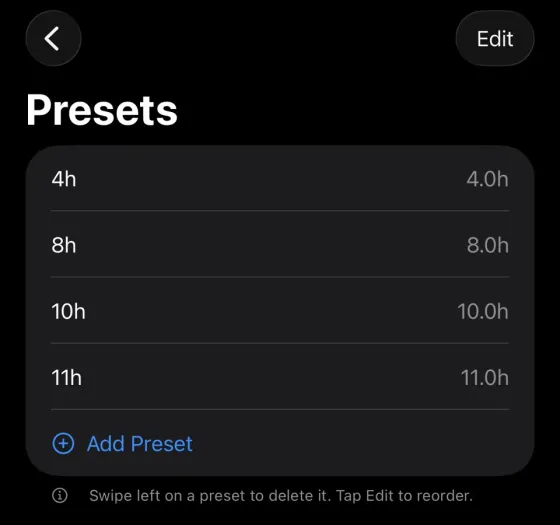
01 / FAST START
The shift you already know.
Save a familiar day once, then start with it in a couple of taps. Review before saving.
02 / INSIDE HOURLY
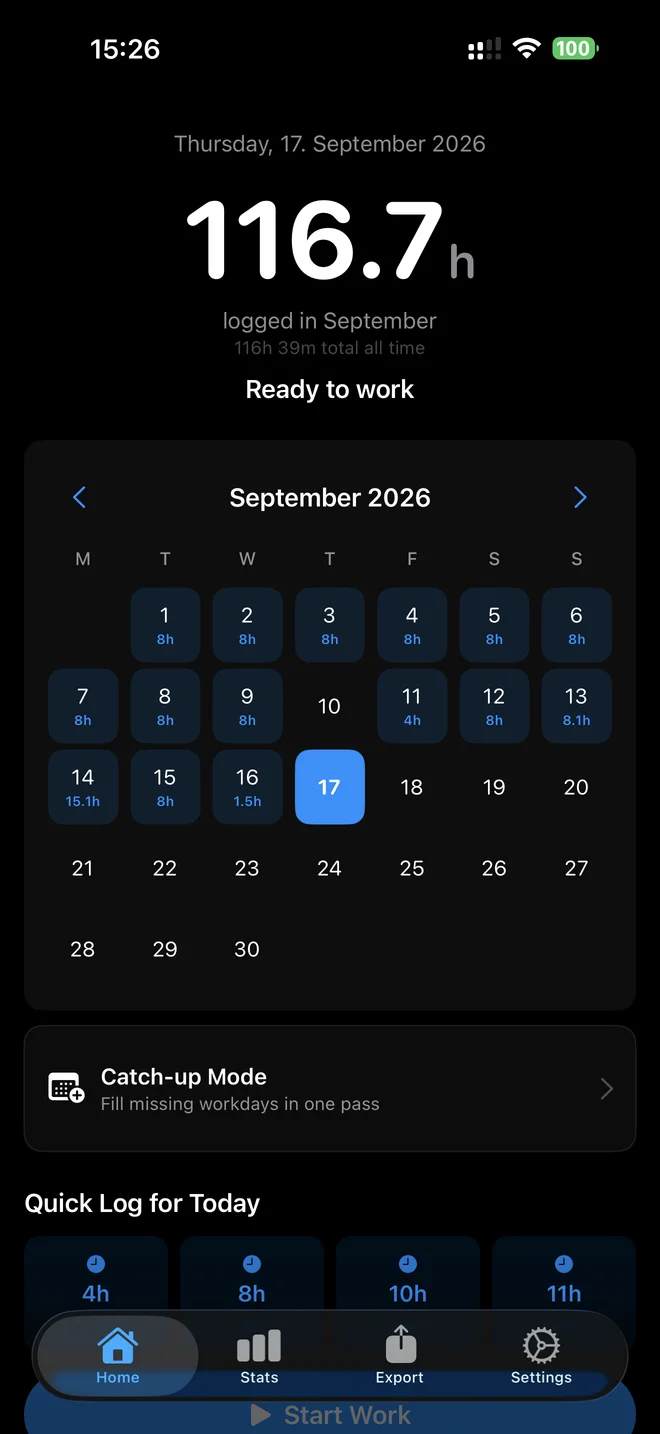
A place for the day.
And all its details.
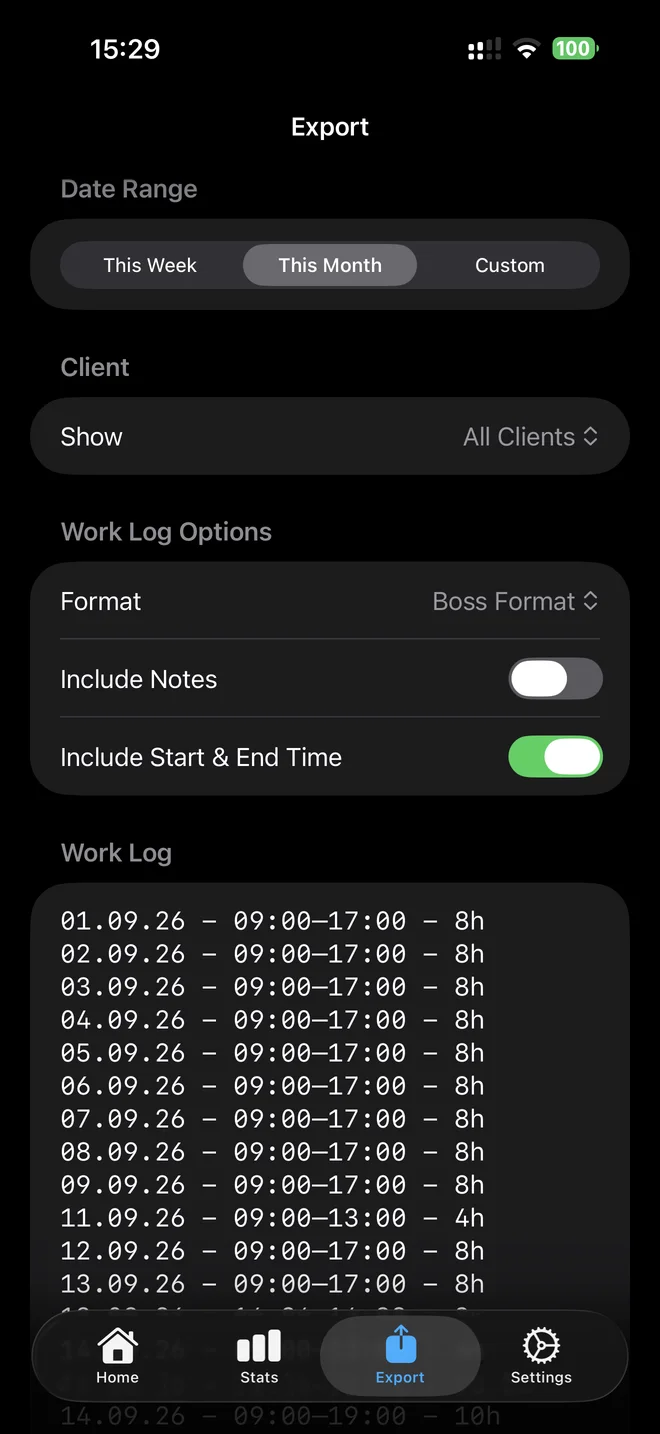
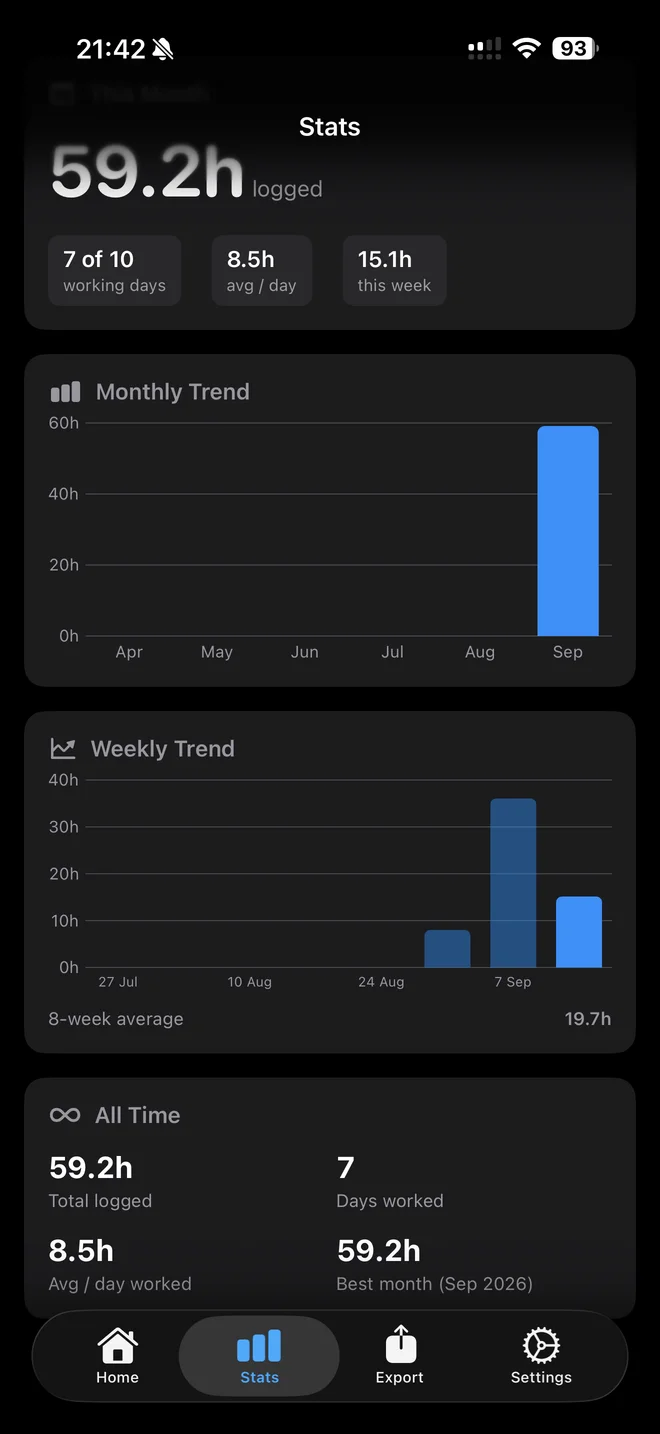
From the first entry to the month-end summary, see the actual surfaces that shape a work record.
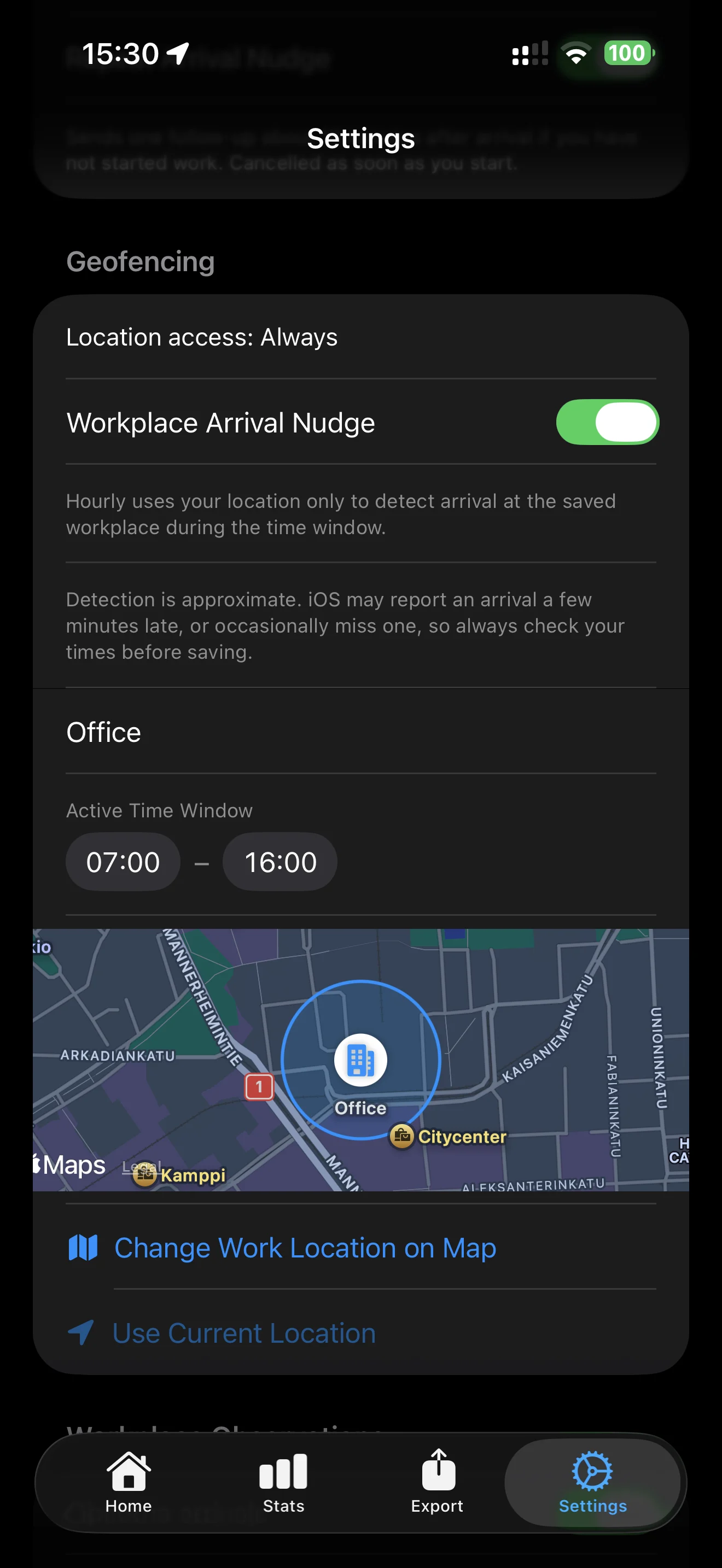
03 / LOCATION CONTEXT
Give your workday
a place.
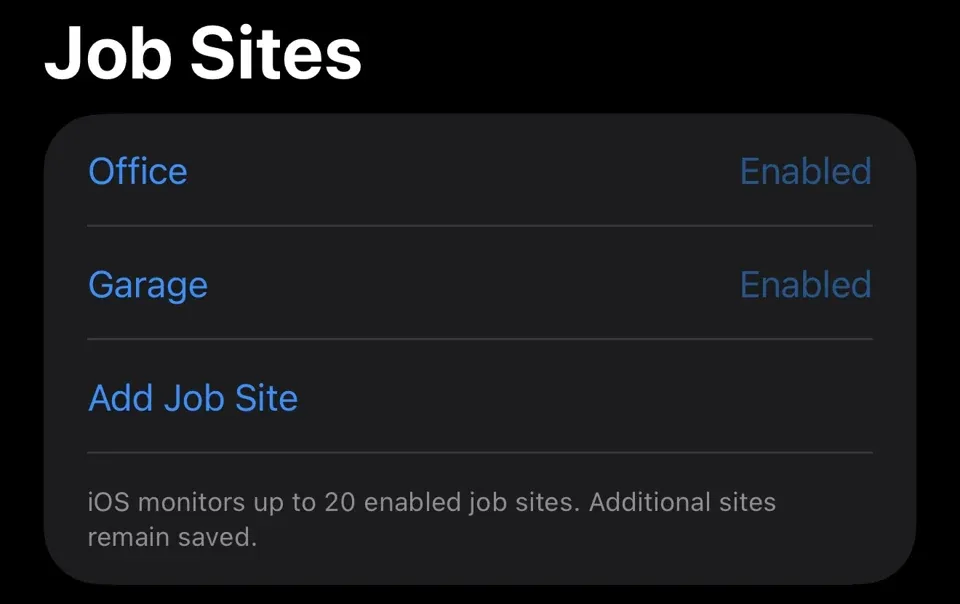
Save named job sites, then choose arrival and departure actions independently: no action, a notification, or an automatic start or stop for review. Detection is approximate and may be delayed or missed. You check the times before saving hours.
Read the job sites guide04 / CHECK THE DETAILS
Review the
calculation.
Raw duration, rounding and break deduction stay visible before you save.
Read the logging guideGO A LITTLE DEEPER
The working details.
Explained.
Job sites & geofencingLogging & correctionsNotes, presets & catch-upExports & backupsStats, widgets & reminders05 / TAKE IT WITH YOU
Your records.
Your next step.
Choose a date range and client. Copy a work log or share a CSV. Keep a separate backup for the records you want to restore.
Read about exports and backups
06 / LOOK BACK
A picture
over time.
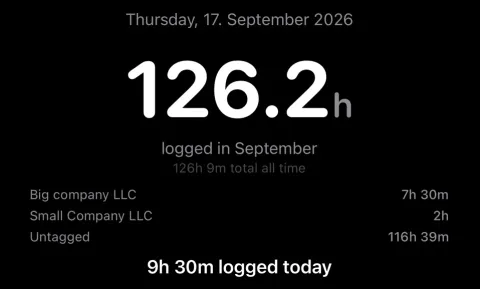
Keep days close in the calendar. See weeks and months together in Stats.
Read about stats and remindersA FEW PRACTICAL QUESTIONS
Good to know.
Can I track work without location access?
Yes. Manual entries, presets and timers work without location permission or a job site. Optional background job-site detection needs Always location access and your recording choices.
Can Hourly start and stop work at a job site?
Choose arrival and departure independently: no action, a notification, or Start Work on arrival and Stop timer for review on departure. Automatic stop only affects work linked to the same unchanged site. Explicitly link a site for a manual stop-only timer. Detection is approximate and may be delayed or missed; hours are never saved without review.
What is included in a backup?
A v3 backup includes logged entries, presets, clients, saved notes, settings, sites, observations and reminder state. Active timers and sessions awaiting review are excluded: use Save Hours first. Restore keeps existing records on conflicts, but applies backup settings and replaces saved notes. Store backup files securely.
What are the purchase options?
Free to download. Monthly, yearly or lifetime access: €3.99/month, €39.99/year or €89.99 once. Eligible subscriptions include a 14-day free trial, one per subscription group. Apple shows the actual localized price and eligibility before purchase. Lifetime is a separate one-time non-consumable purchase and does not cancel another subscription. Purchase access may restore automatically through Apple; Restore Purchases does not restore work records.

HOURLY / ON THE APP STORE
A record worth
keeping.
Free to download. Monthly, yearly or lifetime access: €3.99/month, €39.99/year or €89.99 once. Eligible subscriptions include a 14-day free trial, one per subscription group. Apple shows the actual localized price and eligibility before purchase.
Lifetime does not cancel a separate subscription. Purchase details

Questions? contact@gethourly.app